Your pointer is on the other display
On a multi-display Mac, click a display and the pointer lands dead centre on it.
Get it on the Mac App Store See what it does
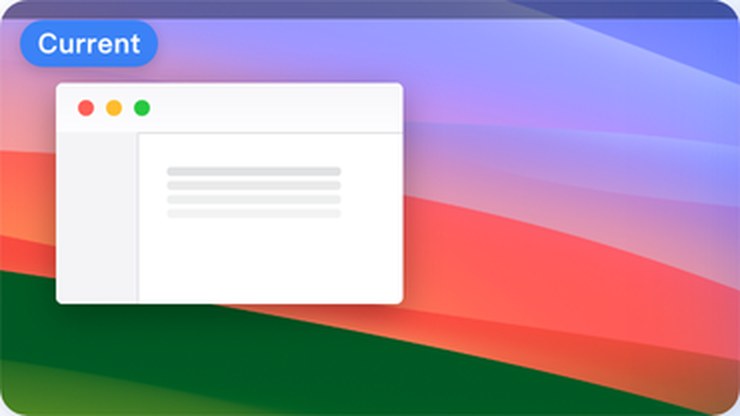
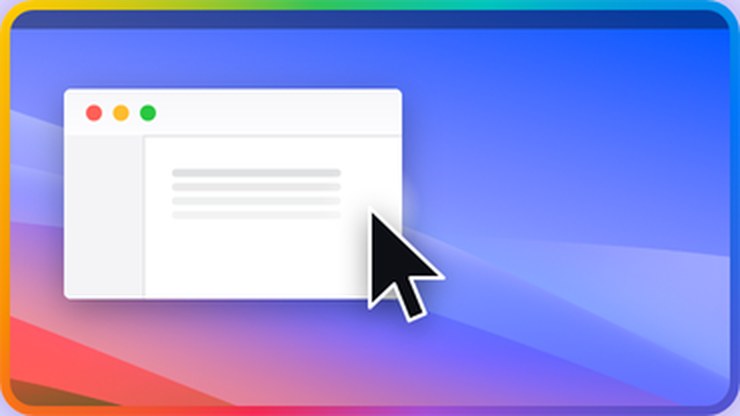
Whichever display the pointer lands on, that display flashes — this is the real thing, not a mock-up
Three screens, and the pointer is always on the wrong one
The picker lays your screens out the way they really sit on your desk, each showing its own wallpaper, numbered so you can type the digit. You know which is which at a glance.
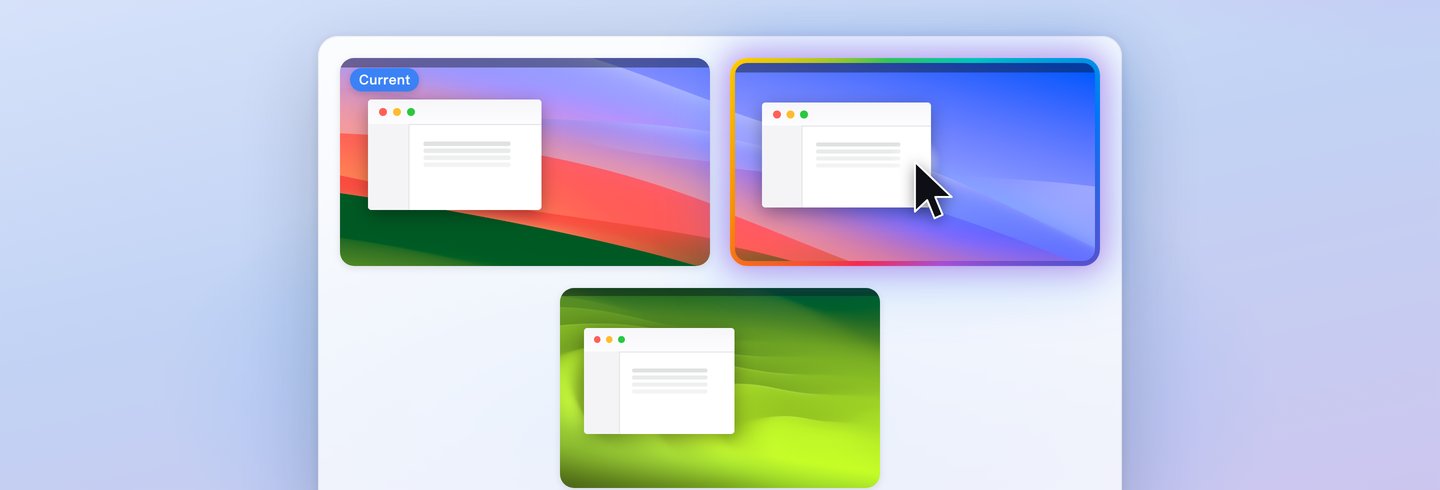
Displays too far? Skip the drag
However wide the gap, one shortcut does it — no more dragging the mouse from one screen to another. Laptop plus external, two externals, stacked vertically: all the same.
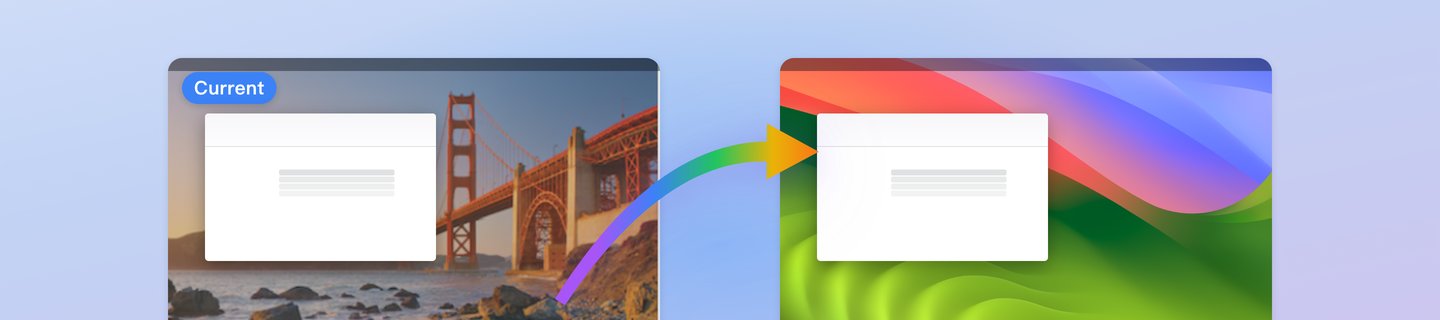
You dragged it there — now find the spot
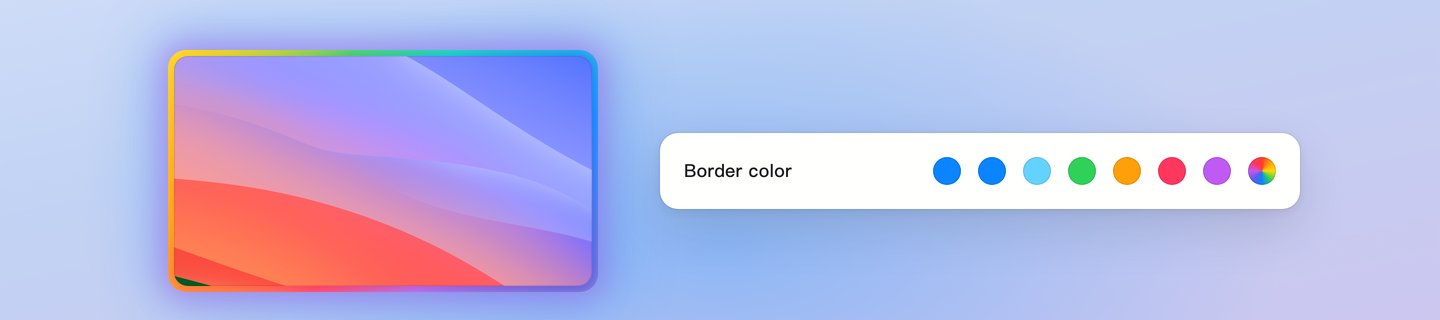
The pointer always lands dead centre. The border lights up and a halo spreads, so you know exactly where it went. Change the colour and the shortcut to suit you.
Three steps and you're off

Keep the pointer where it belongs
The menu-bar icon also holds the guide, settings and the jump itself — quiet until you want it.
Get it on the Mac App Store